> ## Documentation Index
> Fetch the complete documentation index at: https://docs.p2w.lol/llms.txt
> Use this file to discover all available pages before exploring further.
# Reaction Roles
Allow your members to assign themselves roles by reacting to a message.
## What are reaction roles?
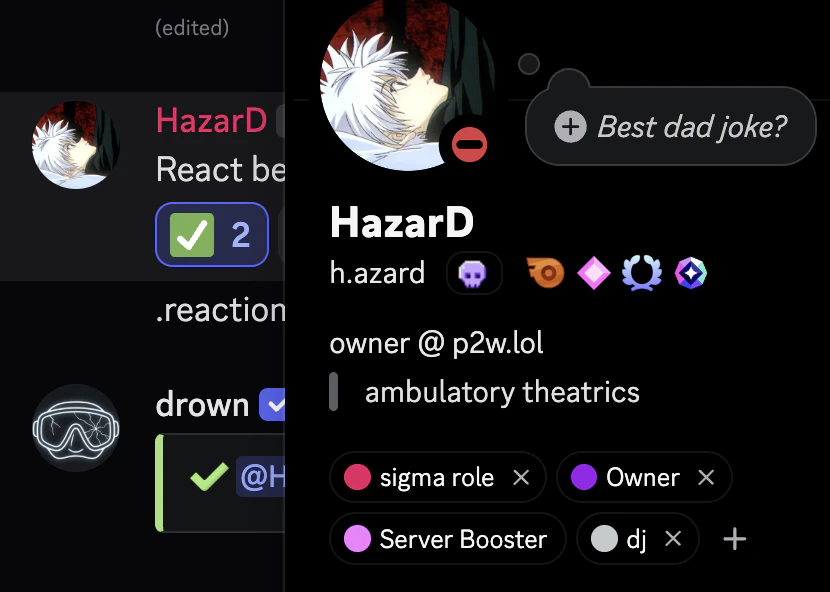
Reaction roles are roles that are assigned to members when they react to a message. This can be useful for letting members choose unique roles or as a way to verify themselves.
### Creating a reaction role
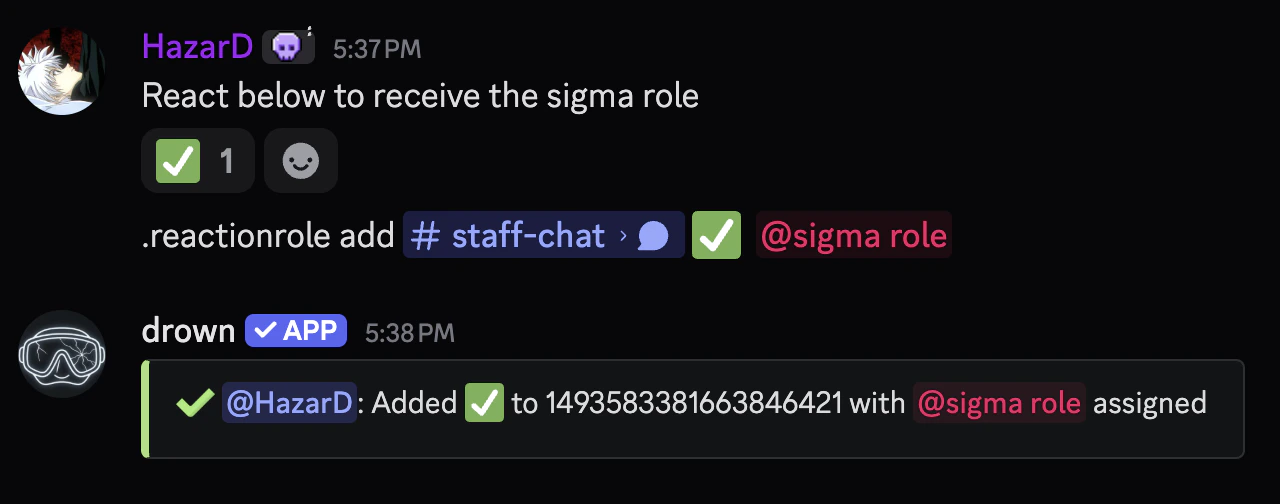
You can create multiple reaction roles for a single message with a different emoji for each role.
You can find the message link by **right-clicking** or **holding down** on the message and selecting **Copy Message Link**.
```typescript file name theme={null}
.reactionrole add (message link) (emoji) (role)
```
```typescript file name theme={null}
.reactionrole add .../channels/... ✅ @Member
```

 ### Removing a reaction role
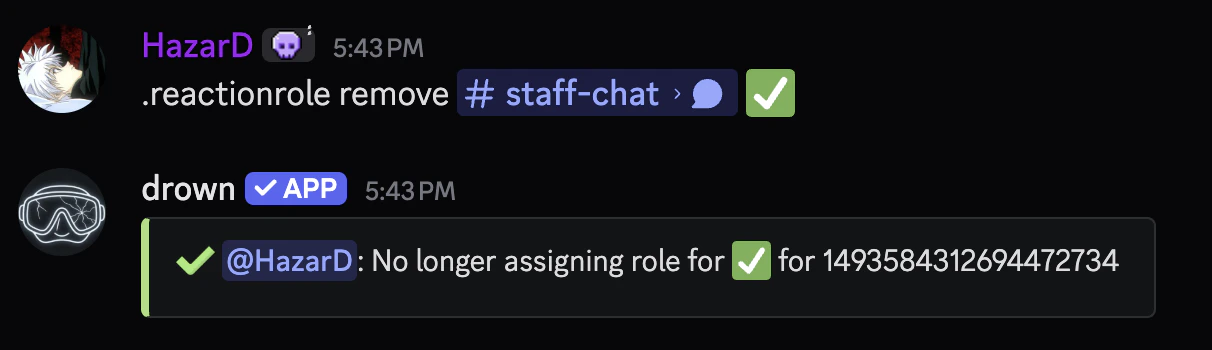
You can remove a reaction role by using the `reactionrole remove` command.
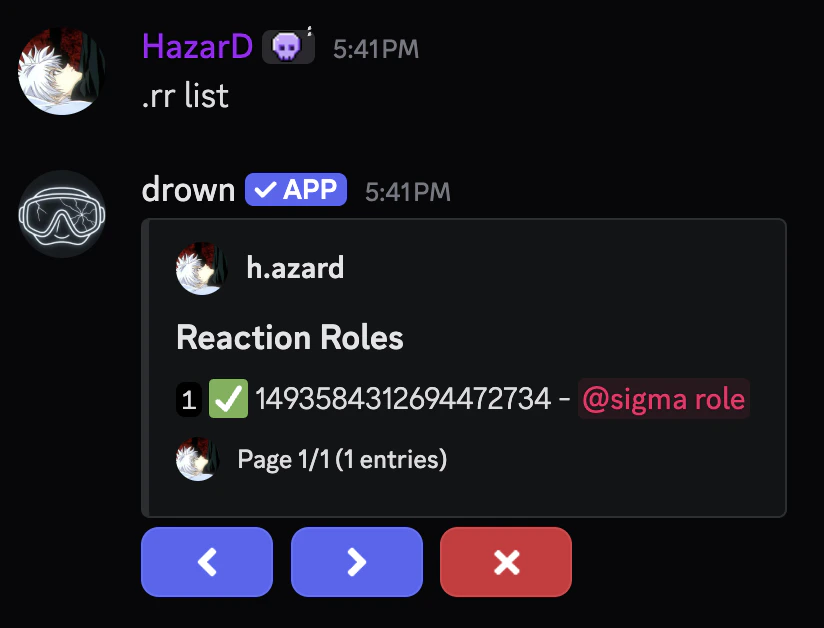
You can use the `reactionrole list` command to see all reaction roles and their emojis.
### Removing a reaction role
You can remove a reaction role by using the `reactionrole remove` command.
You can use the `reactionrole list` command to see all reaction roles and their emojis.
 ```typescript Syntax theme={null}
.reactionrole remove (message link) (emoji)
```
```typescript Example theme={null}
.reactionrole remove .../channels/... ✅
```
```typescript Syntax theme={null}
.reactionrole remove (message link) (emoji)
```
```typescript Example theme={null}
.reactionrole remove .../channels/... ✅
```
 ### Removing all reaction roles for a message
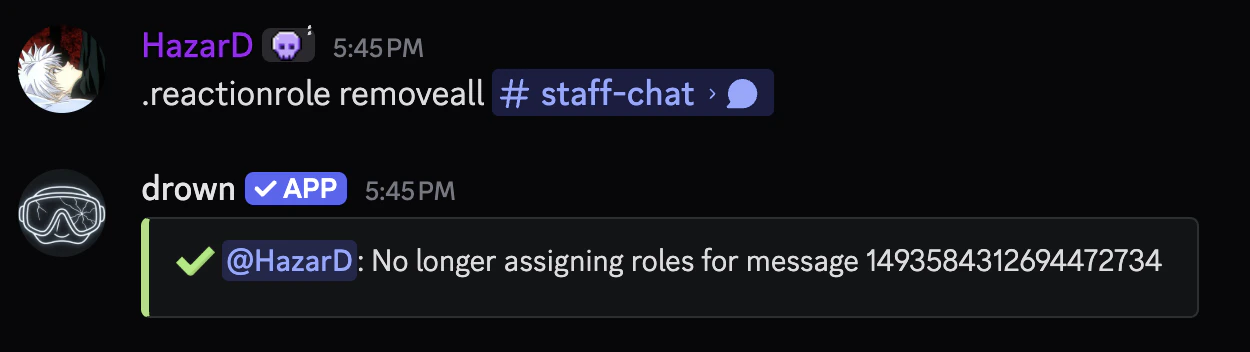
You can remove all reaction roles for a message with the `reactionrole removeall` command.
This is different from `reactionrole reset` which removes all reaction roles from the server.
```typescript Syntax theme={null}
.reactionrole removeall (message link)
```
```typescript Example theme={null}
.reactionrole removeall .../channels/...
```
### Removing all reaction roles for a message
You can remove all reaction roles for a message with the `reactionrole removeall` command.
This is different from `reactionrole reset` which removes all reaction roles from the server.
```typescript Syntax theme={null}
.reactionrole removeall (message link)
```
```typescript Example theme={null}
.reactionrole removeall .../channels/...
```
 ### Removing all reaction roles from the server
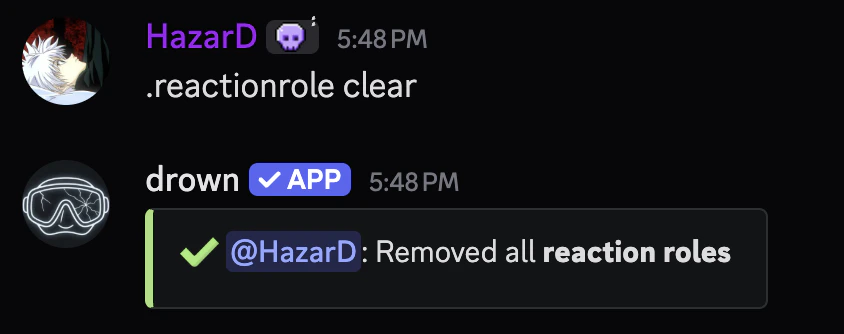
You can remove all reaction roles from the server by using the `reactionrole reset` command.
This **CAN NOT** be undone and will remove **ALL** reaction roles from the server.
### Removing all reaction roles from the server
You can remove all reaction roles from the server by using the `reactionrole reset` command.
This **CAN NOT** be undone and will remove **ALL** reaction roles from the server.
 ### Setting up a verification system
Reaction roles can be used to create a verification system where members must react to a message to gain access to the server.
In order for this to work, you’ll need to create a role that will be assigned to members when they react to the message, such as a **Member** role.
### Setting up a verification system
Reaction roles can be used to create a verification system where members must react to a message to gain access to the server.
In order for this to work, you’ll need to create a role that will be assigned to members when they react to the message, such as a **Member** role.