> ## Documentation Index
> Fetch the complete documentation index at: https://docs.p2w.lol/llms.txt
> Use this file to discover all available pages before exploring further.
# Vanity Roles
Reward your members for advertising your server in their status.
Your server must be **Level 3** with at least **14 boosts** to use any of the commands.
All commands are **slash commands** and can be accessed by typing `/vanity` in a text channel.
### Setting the vanity to be monitored
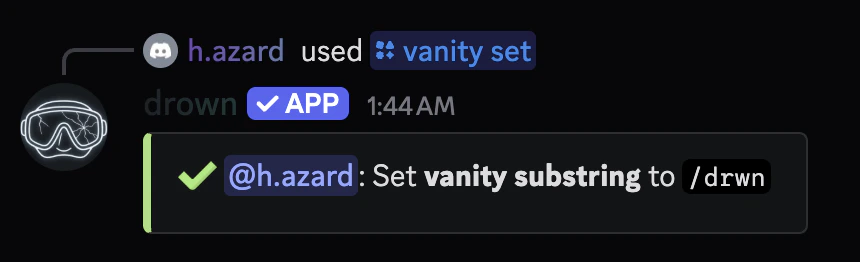
You’ll need to set what vanity you want to monitor. You can do this by using the `/vanity set` command.
It’s recommended to prefix the substring with a `/` (e.g. `/drown`).
```typescript Syntax theme={null}
/vanity set (substring)
```
```typescript Example theme={null}
/vanity set /drown
```
 ### Setting up roles to reward
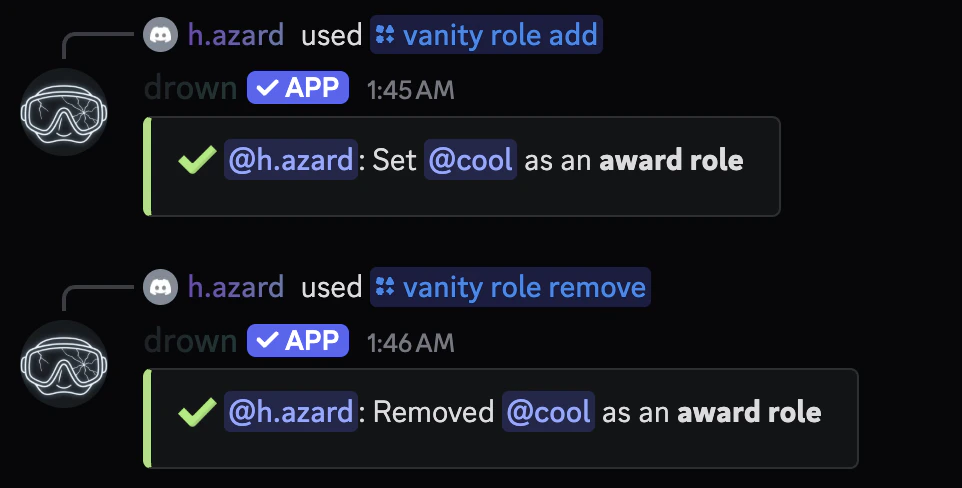
You can use the `/vanity role add` command to add a vanity reward.
If you no longer want to reward a role for a vanity, you can use the `/vanity role remove` command.
```typescript Syntax theme={null}
/vanity role add (role)
/vanity role remove (role)
```
```typescript Example theme={null}
/vanity role add @Vanity
/vanity role remove @Vanity
```
### Setting up roles to reward
You can use the `/vanity role add` command to add a vanity reward.
If you no longer want to reward a role for a vanity, you can use the `/vanity role remove` command.
```typescript Syntax theme={null}
/vanity role add (role)
/vanity role remove (role)
```
```typescript Example theme={null}
/vanity role add @Vanity
/vanity role remove @Vanity
```
 ### Viewing all roles being rewarded
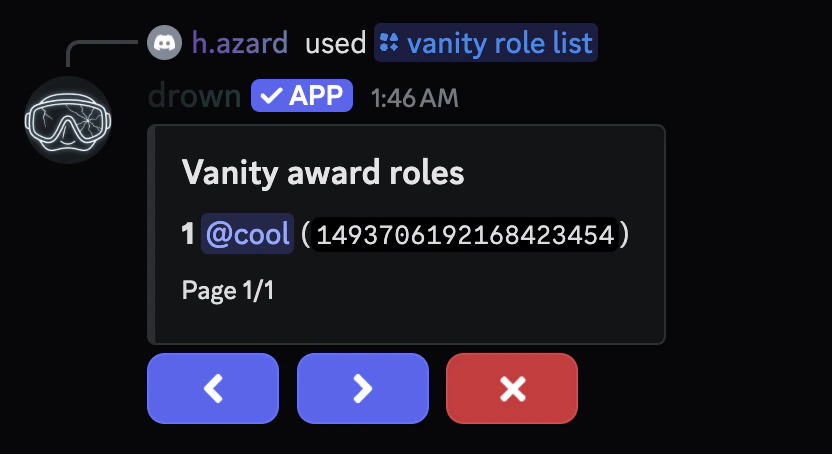
You can use the `/vanity role list` command to view all roles being rewarded.
### Viewing all roles being rewarded
You can use the `/vanity role list` command to view all roles being rewarded.
 ### Setting up the award message
You can set a thank you message for when a user advertises your server in their status.
The `message` parameter can be raw text or an **embed** with dynamic **variables**.
```typescript Syntax theme={null}
/vanity message (message)
```
```typescript Example theme={null}
/vanity message thank you {user.mention}
/vanity message {embed}$v{message: {user.mention}}$v{description: thank you for advertising our server!}
```
### Setting where the message is sent
You can use the `/vanity award channel` command to set where the message is sent.
```typescript Syntax theme={null}
/vanity channel (channel)
```
```typescript Example theme={null}
/vanity award channel #general
```
### Setting up the award message
You can set a thank you message for when a user advertises your server in their status.
The `message` parameter can be raw text or an **embed** with dynamic **variables**.
```typescript Syntax theme={null}
/vanity message (message)
```
```typescript Example theme={null}
/vanity message thank you {user.mention}
/vanity message {embed}$v{message: {user.mention}}$v{description: thank you for advertising our server!}
```
### Setting where the message is sent
You can use the `/vanity award channel` command to set where the message is sent.
```typescript Syntax theme={null}
/vanity channel (channel)
```
```typescript Example theme={null}
/vanity award channel #general
```
 ### Viewing the vanity roles configuration
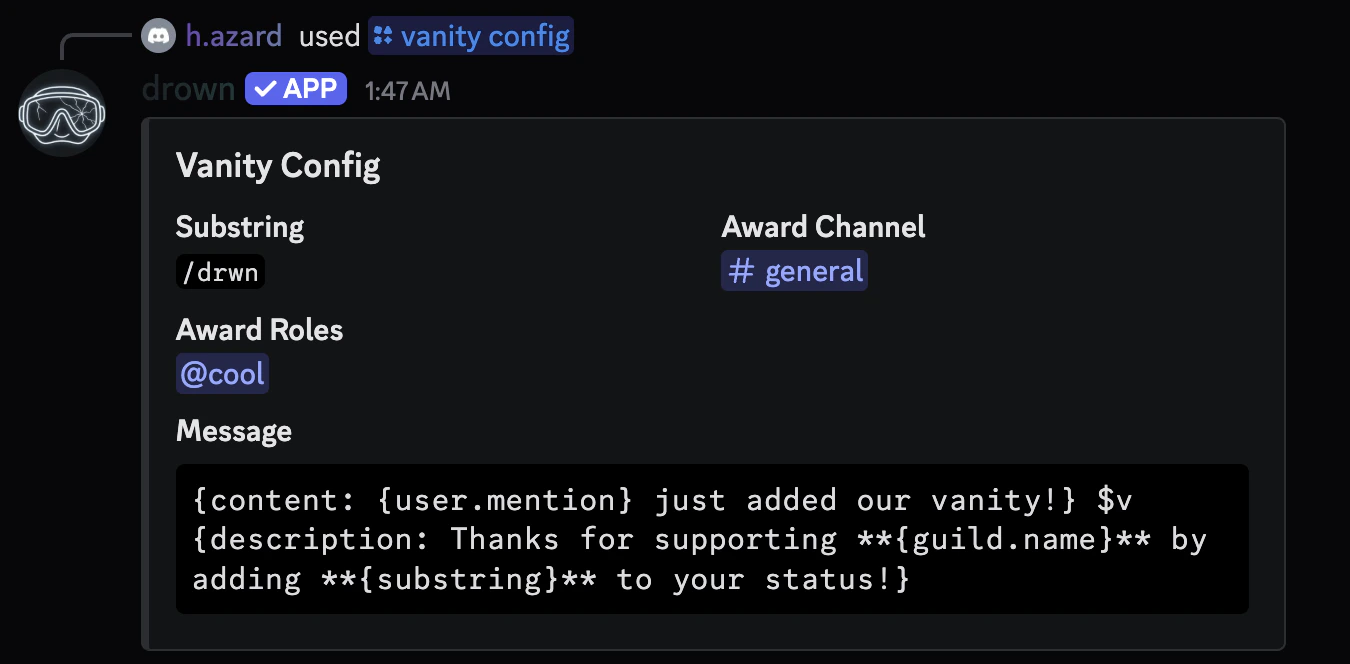
You can use the `/vanity config` to view your current vanity roles configuration.
### Viewing the vanity roles configuration
You can use the `/vanity config` to view your current vanity roles configuration.
 ### Resetting a configuration
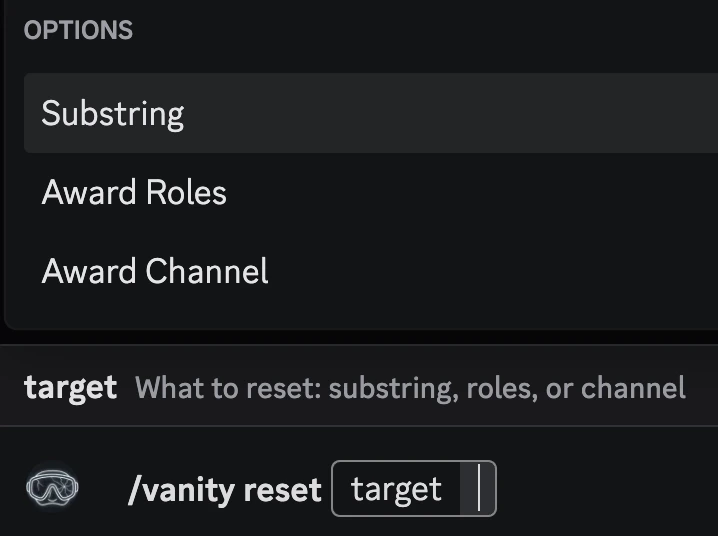
You can use the `/vanity reset` to reset a configuration.
### Resetting a configuration
You can use the `/vanity reset` to reset a configuration.