Why use an antialts system?
It’s important to have an antialts system in place to prevent banned users from rejoining your server under new accounts. This is a security measure which lets your server stay protected from users attempting to evade bans or punishments.How does antialts work?
Antialts fingerprints every member that joins your server and compares them against a cache of recently banned users. It uses a flag-based system to determine how suspicious a new join is, then takes action automatically based on your configuration.Flag System
Flags are split into two categories — Minor and Major. The combination of flags determines what action is taken.Minor Flags
- Account Age — Account was created less than 7 days ago
- Similar Username — Username closely matches a recently banned user
- Same Invite — Used the same invite link as a previously banned user
Major Flags
- Join After Ban — Joined within the ban watch window after a member was banned
- Avatar Match — Avatar perceptually matches a recently banned user
Configuring antialts
Opening the configuration panel
You can open the interactive antialts configuration panel with the following command.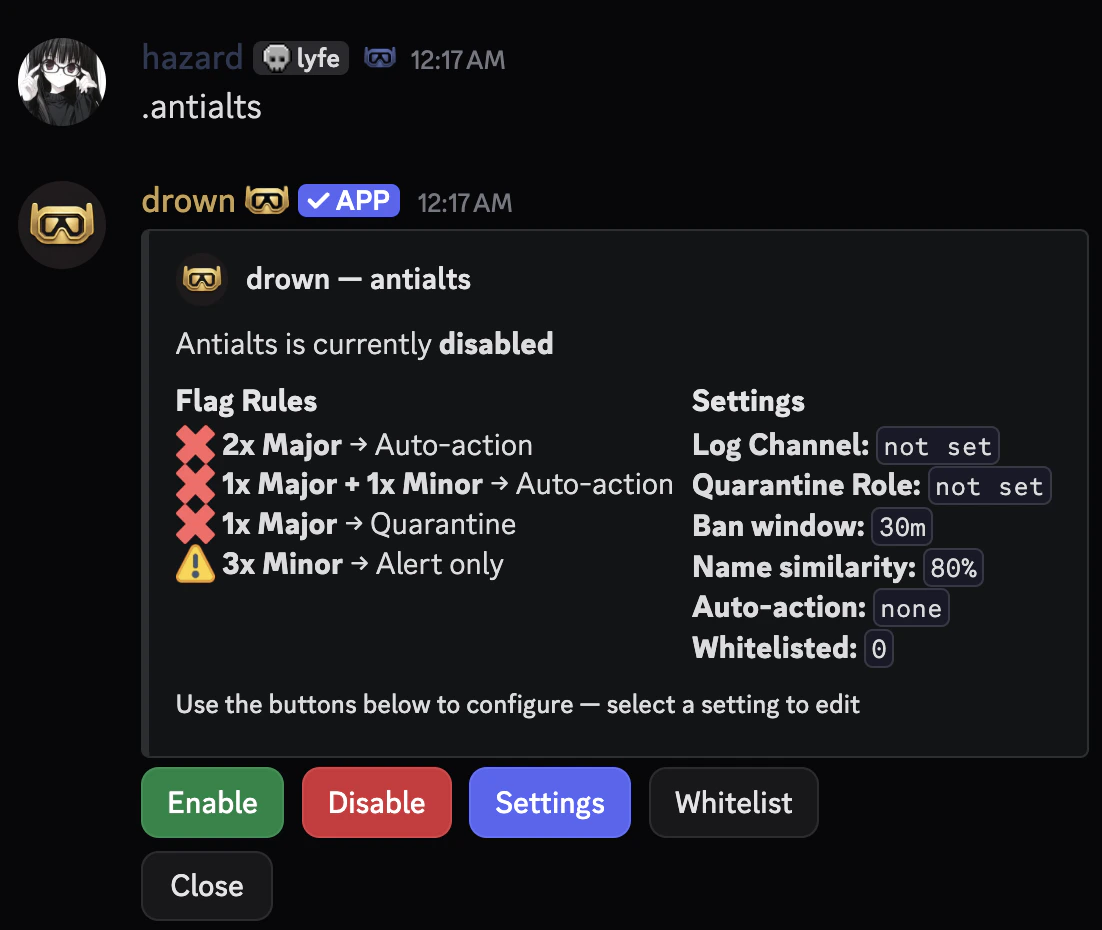
Setting a log channel
Set the channel where dossier embeds and mod alerts are sent when a suspected alt joins.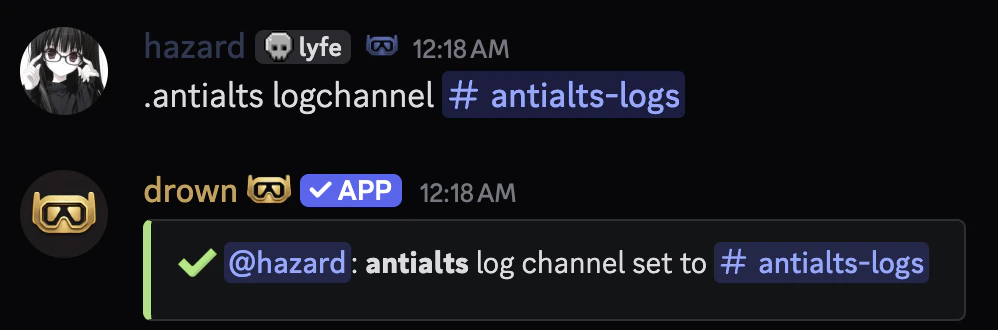
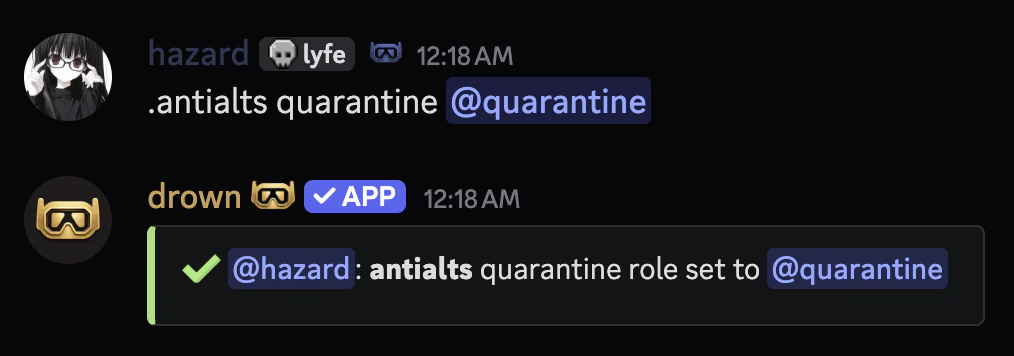
Setting a quarantine role
Set the role applied to suspected alts pending mod review.Make sure the quarantine role restricts access to all channels so the suspected alt cannot interact with your server.
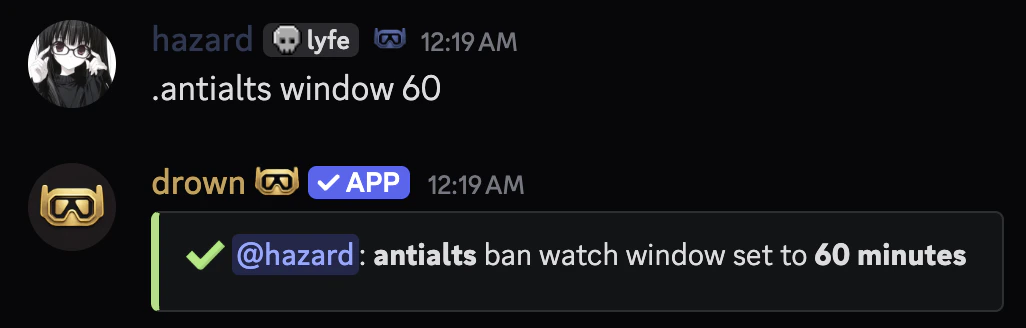
Setting the ban watch window
Set how long after a ban antialts should watch for potential alts joining. Defaults to30 minutes.
Setting the name similarity threshold
Set how similar a username must be to a banned user’s to trigger a Minor flag. Defaults to80%.
It’s recommended to keep this between
75 and 90. Lower values may produce false positives.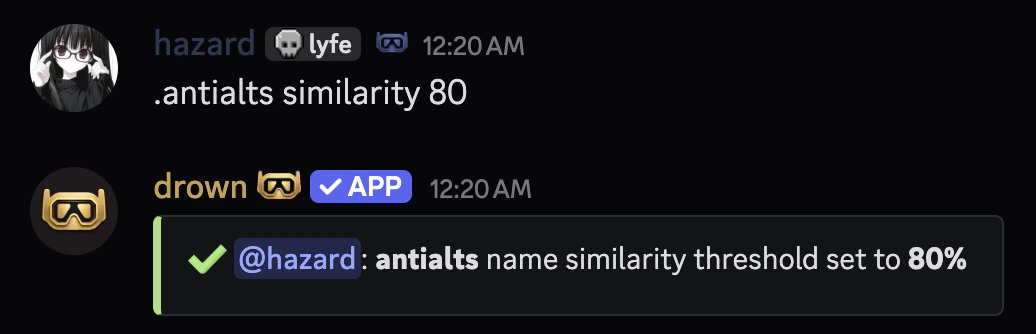
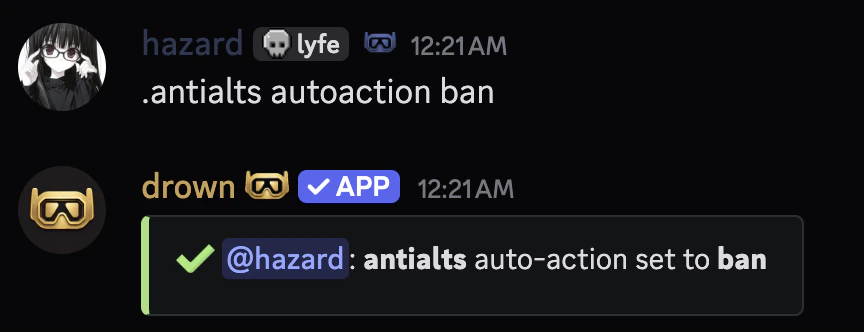
Setting the auto-action
Set what action is automatically taken when Major flags fire.Available punishments can be found in the punishments section.
Exempting users from antialts
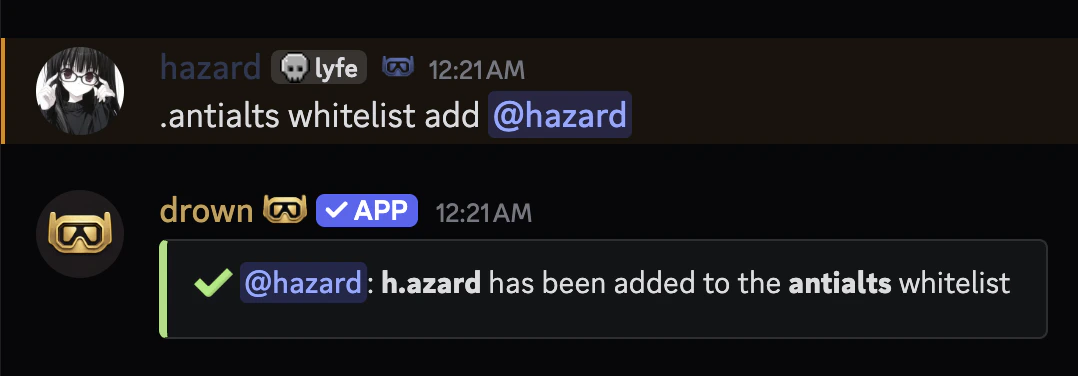
You can exempt users from antialts checks with theantialts whitelist command.
Enabling and disabling antialts
You can enable or disable the antialts system usingantialts enable or antialts disable.
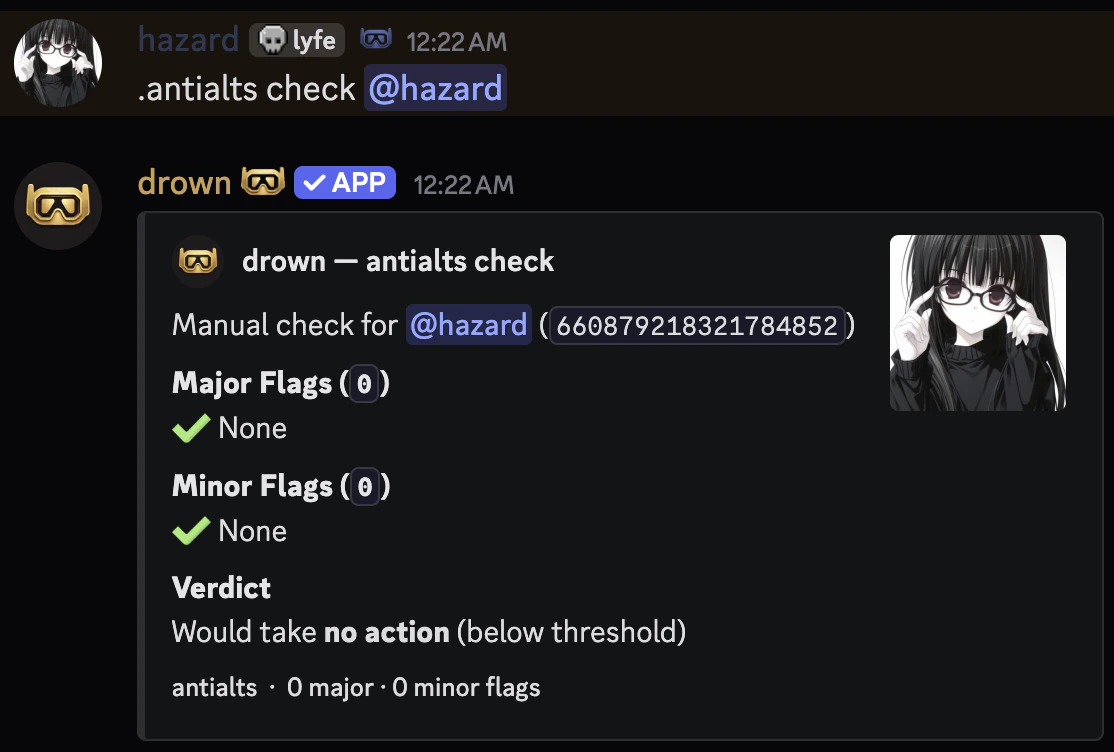
Manually checking a member
You can manually run the alt check on any current member to see what flags would fire.