

Commands
There are three system message commands, each with the same subcommands.welcome- Dispatched whenever a user joins the server.goodbye- Dispatched whenever a user leaves the server.boost- Dispatched whenever a user boosts the server.
The following examples use the
welcome command, but the same syntax is applied for the other system message commands.Creating a system message
You can create a system message with thewelcome add command.
The
--self_destruct flag in system messages schedules the message for deletion after a specified time, which must be between 6 and 60 seconds.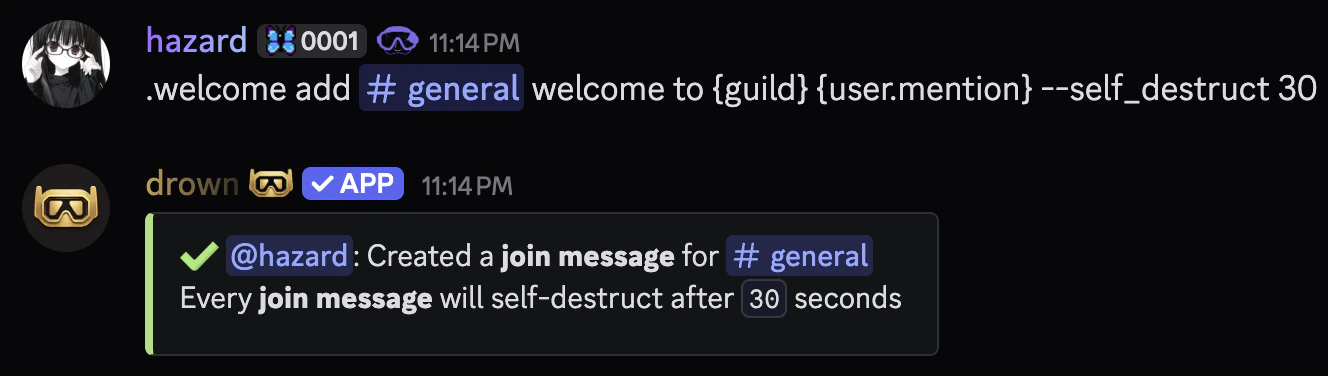
Removing a system message
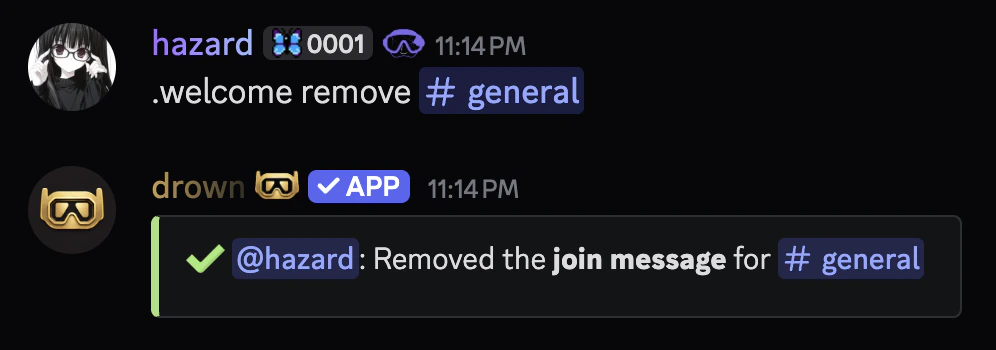
You can remove a system message with thewelcome remove command.
Related commands
Viewing a system message
Viewing a system message
You can use the
welcome view command to view a system message.Viewing all system messages
Viewing all system messages
You can use the
welcome list command to view all system messages.