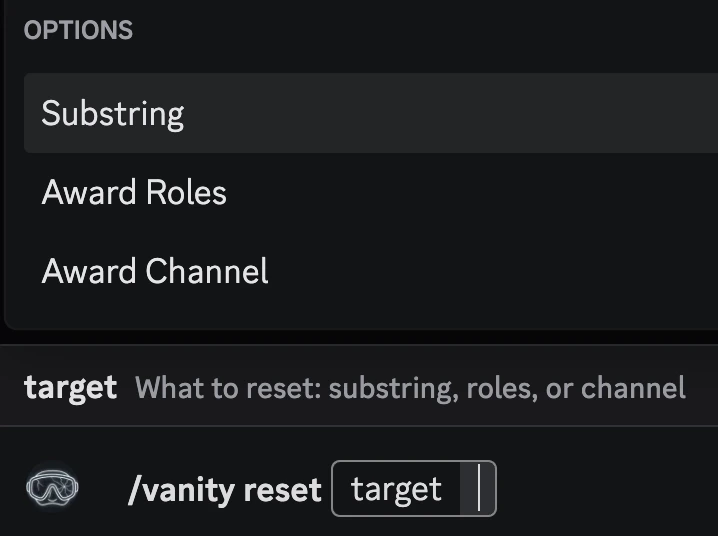
All commands are slash commands and can be accessed by typing
/vanity in a text channel.Setting the vanity to be monitored
You’ll need to set what vanity you want to monitor. You can do this by using the/vanity set command.

Setting up roles to reward
You can use the/vanity role add command to add a vanity reward.
If you no longer want to reward a role for a vanity, you can use the
/vanity role remove command.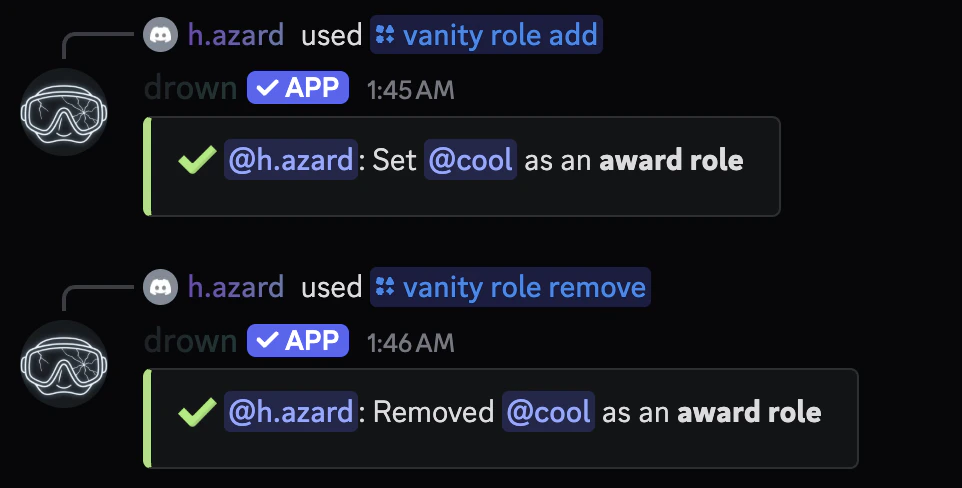
Viewing all roles being rewarded
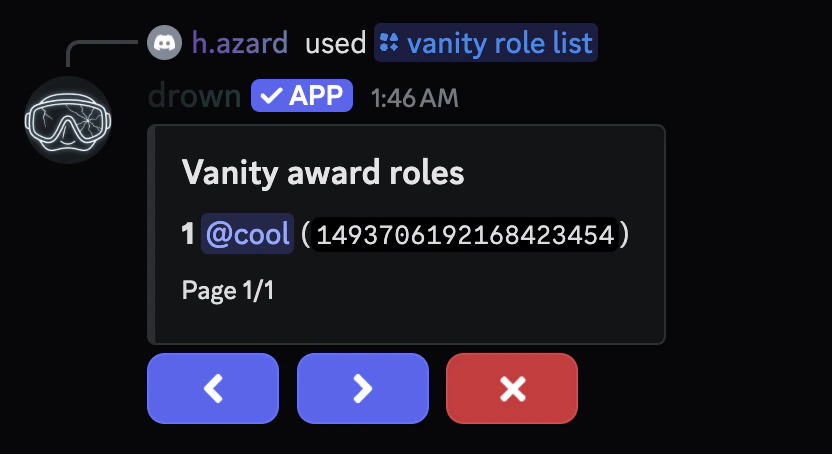
You can use the/vanity role list command to view all roles being rewarded.
Setting up the award message
You can set a thank you message for when a user advertises your server in their status.The
message parameter can be raw text or an embed with dynamic variables.Setting where the message is sent
You can use the/vanity award channel command to set where the message is sent.

Viewing the vanity roles configuration
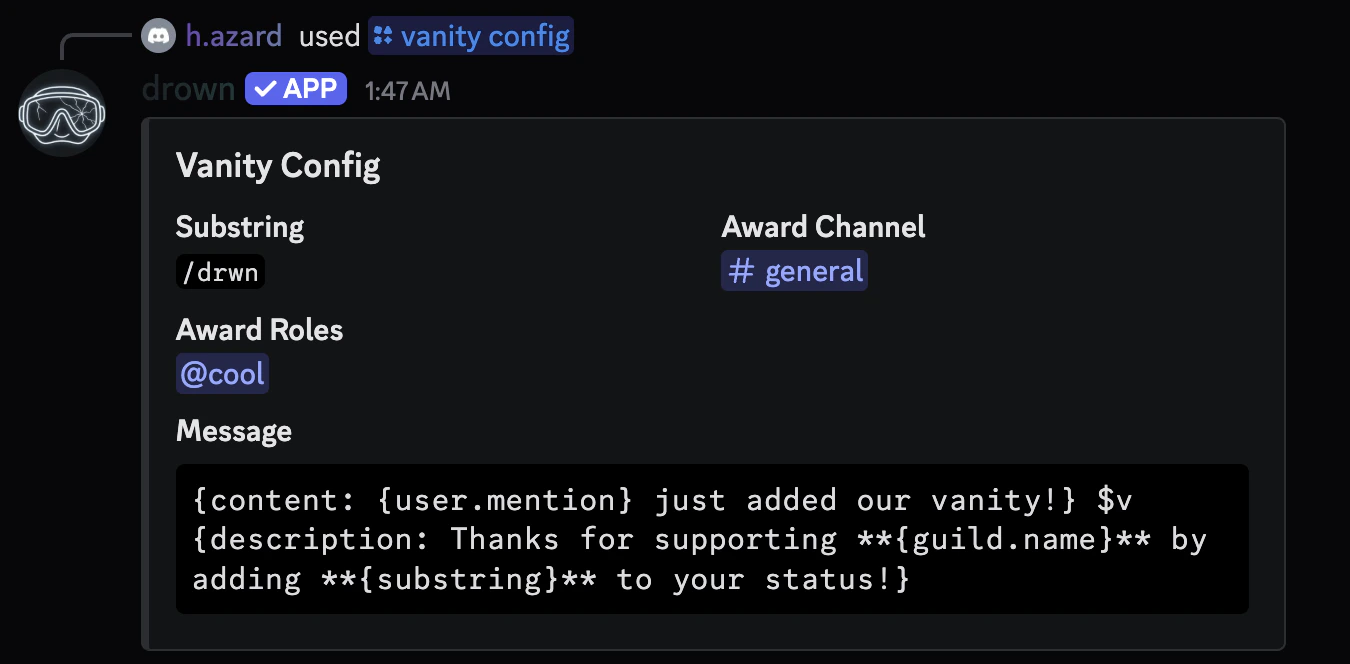
You can use the/vanity config to view your current vanity roles configuration.
Resetting a configuration
You can use the/vanity reset to reset a configuration.